
2018 Taiwan International Student Design Competition-Registration steps


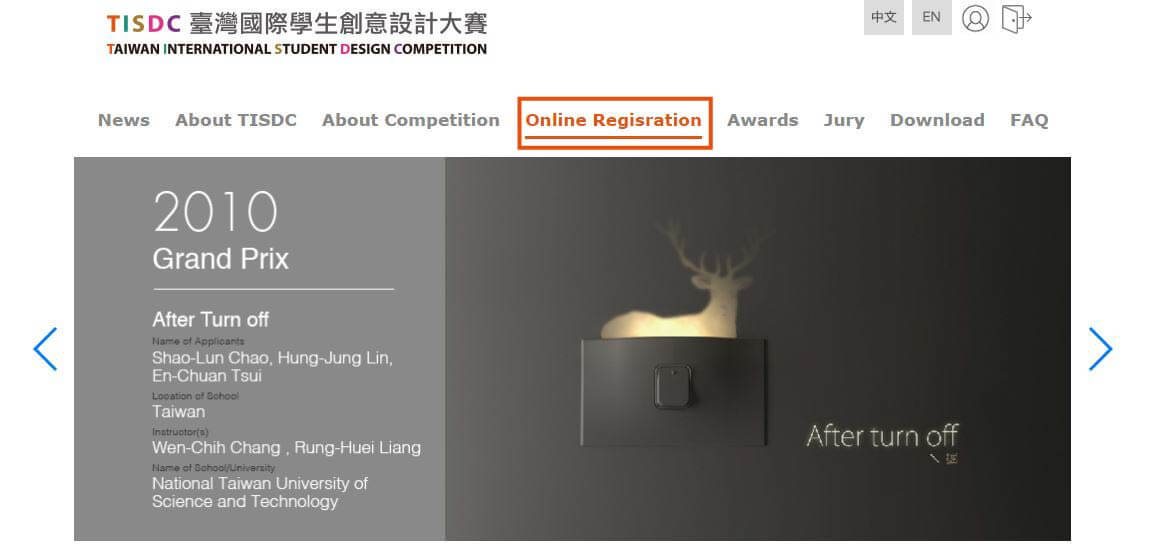
Step1: Click Online Registration Tab to enter the page.
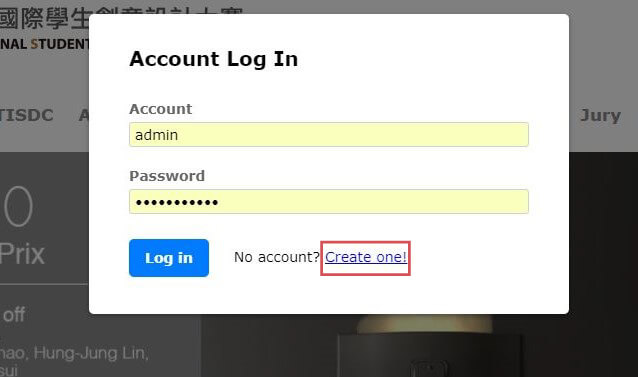
Step2: Press Create One Tab and fill in the information.
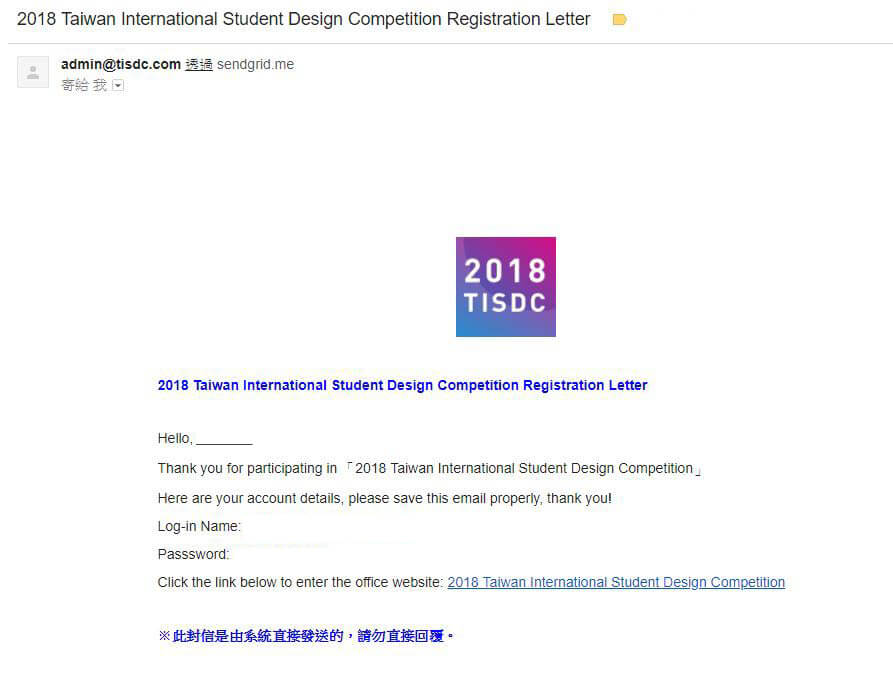
Step3: After registration, a registration letter will send to your email.
Please check spam if you didn’t receive the registration letter.
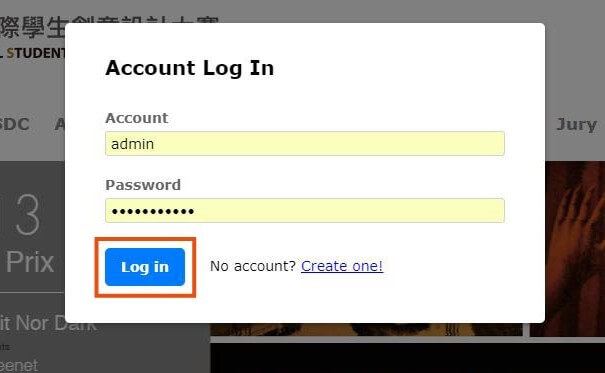
Step4: Log in to your account and manage work.
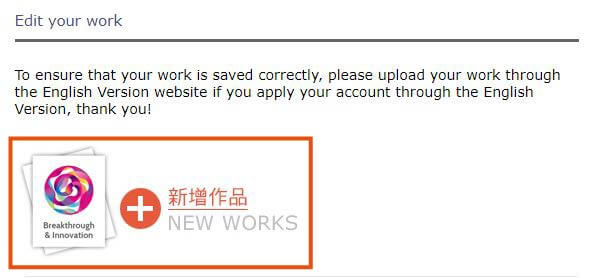
Step5: Press New Works Tab and start uploading your work
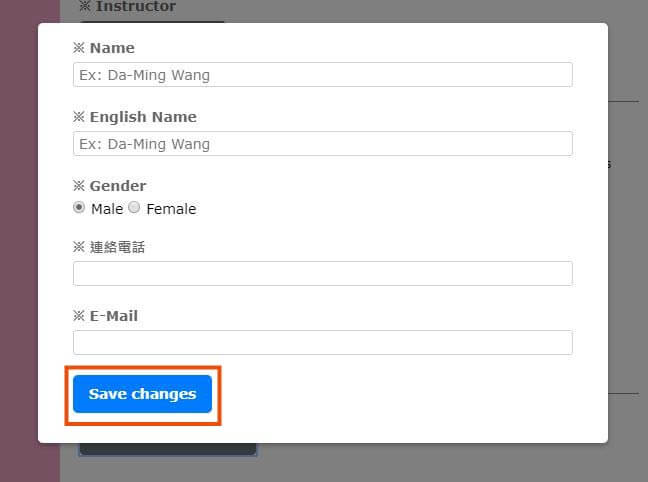
Step6: Before adding the personal information of your team member, please press Add Team Member first.
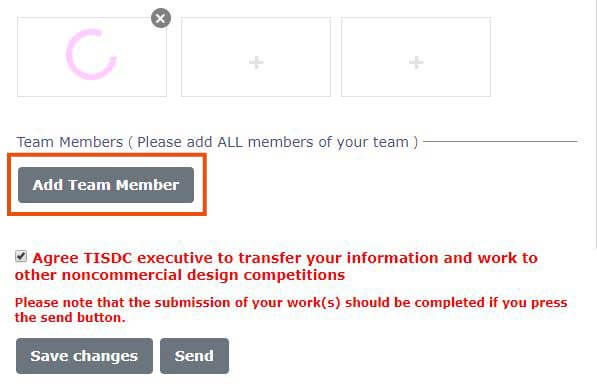
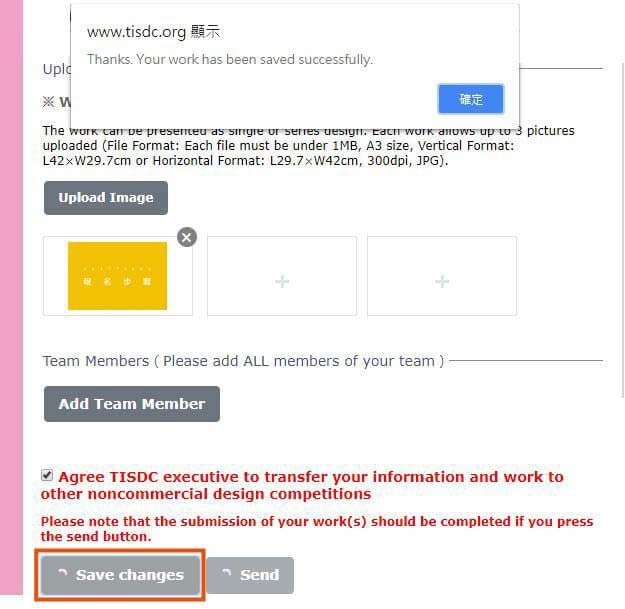
Step7: After uploading completion, please check whether your information and work is agreed to transfer to other non-commercial design competitions.

Step8:press Save Changes Tab to save your work.
Step9: After saving your work, press Send Tab.
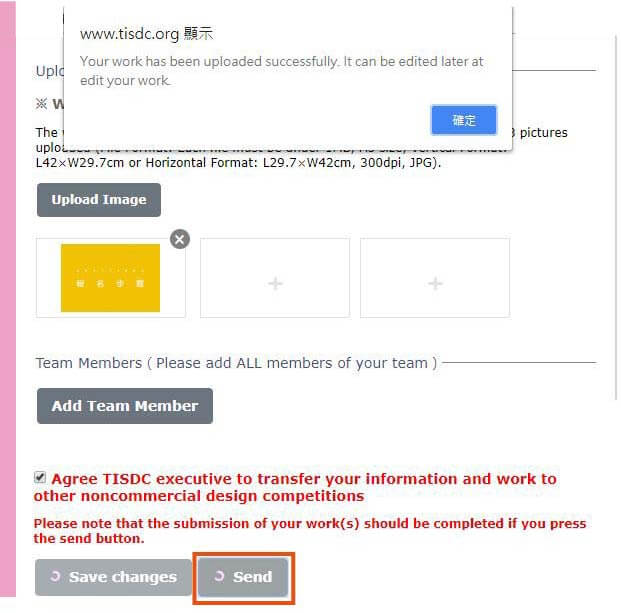
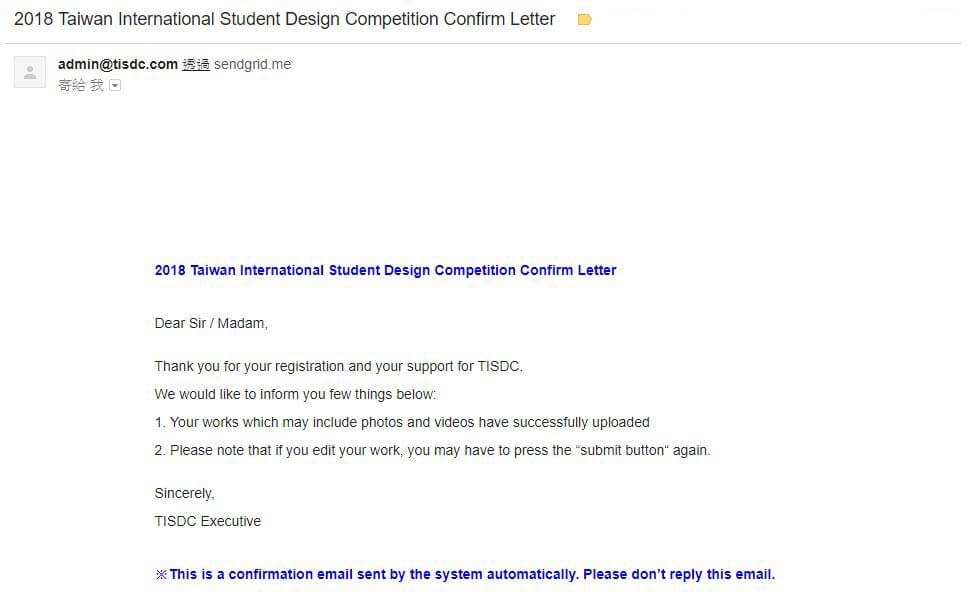
Step10:A registration completion letter will send to your email to notify you’ve complete the registration successfully.